.png?h=455&iar=0&w=1182&rev=d74e300da7ba4627bde32b9c768419b5)


Replacement Project Tracker
myPROJECT Portal
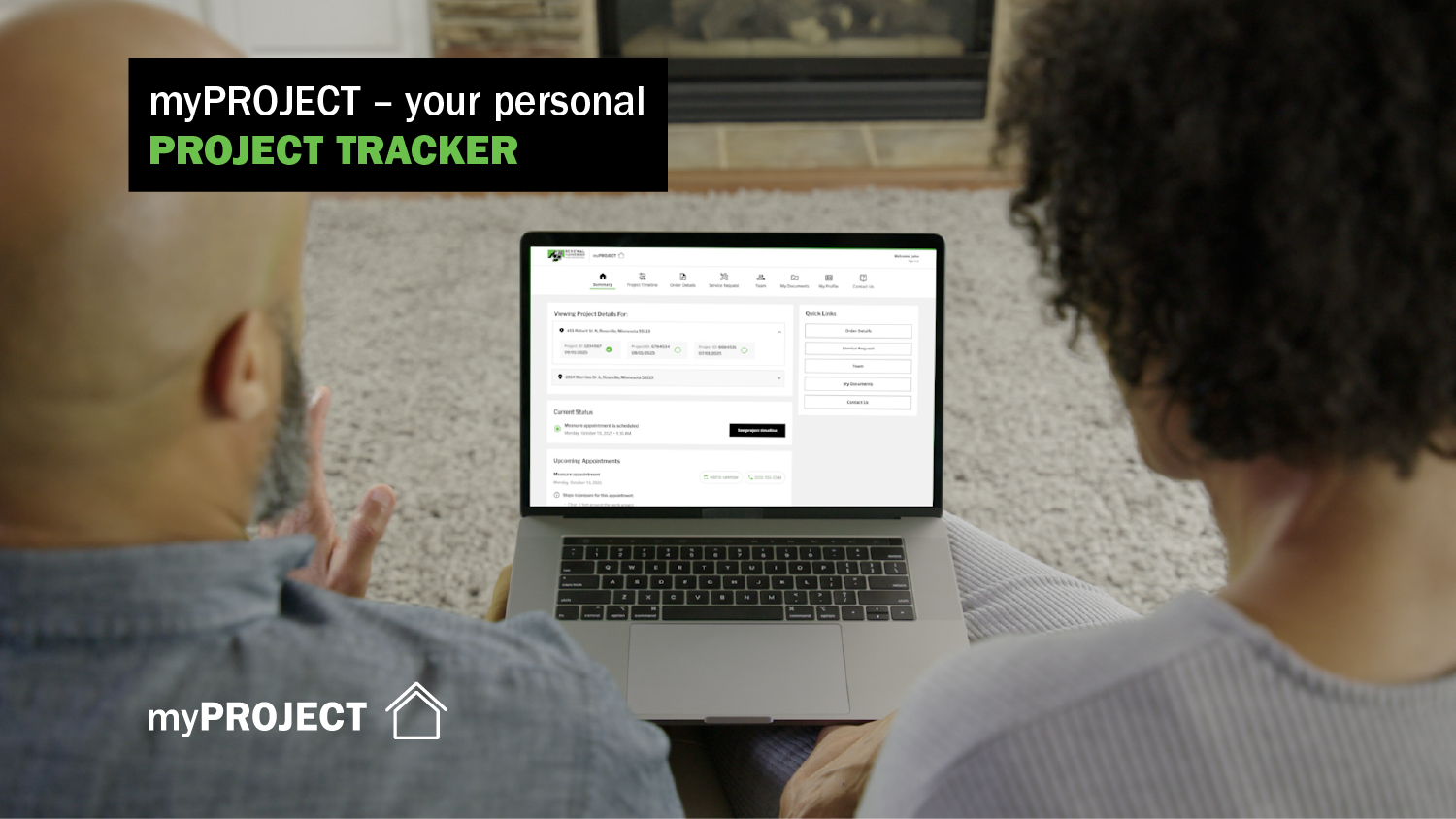
Know what’s next during your window or door replacement project. Log in to myPROJECT, a free online portal that shares live updates every step of the way.
Why Login To myPROJECT
- Stay informed with real-time updates and appointment reminders.
- Connect with your full project team.
- Access all documents, addendums, and warranties in one place.
- Ask questions and submit service requests anytime.
FAQs about myPROJECT
How do I create my account?
After you make a purchase, you will receive an “Activate myPROJECT Account” invitation email. Follow the instructions in the email to set up your account. If you don’t see the email in your inbox, please check your junk or spam folder. For further assistance, contact your local retail location.
How do I log in?
Visit myproject.renewalbyandersen.com and enter your email address and password. If you don’t remember your password, use the prompts on the page to reset it. For further assistance, contact your local retail location.
What if I have questions?
You can submit questions or inquiries through the Contact Us tab.
Can I view my past projects?
Yes, past projects are available in your account. Click the green Change Project button. For further assistance, contact your local retail location.
Where can I find my contract?
Your contract is available under the My Documents tab in your account. For further assistance, contact your local retail location.
How do I contact my project team?
You can find your retail location contact information under the Teams tab. This section includes the location’s phone number, address, and project team contact information (when available).
What if I need service?
You can submit a service request through the Service Request tab.