.png?h=455&iar=0&w=1182&rev=d74e300da7ba4627bde32b9c768419b5)


Resource Article
Augmented Reality Tool From Renewal by Andersen
When we’re clothes shopping, we try on a pair of jeans before we buy them. We take a bicycle around the block before bringing it home. We put paint swatches up on the wall when we're redoing the bathroom.
There’s nothing more reassuring than “try before you buy”…we do it for all sorts of everyday decisions. So why should you settle for anything less when it comes to a major investment in your home?
You shouldn’t.
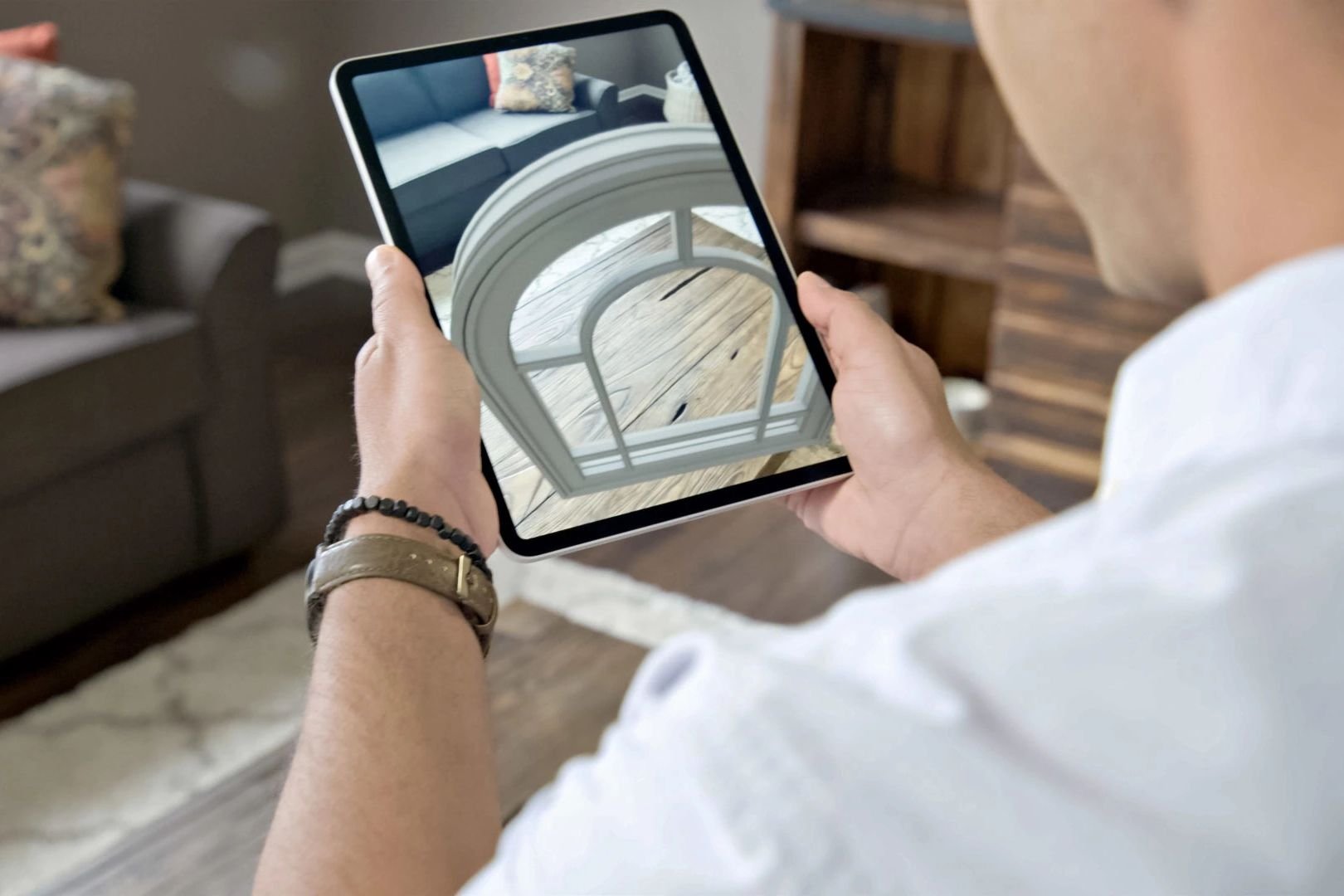
Our Augmented Reality (AR) tool utilizes vertical-plane recognition technology that allows you to see what your customized window or door would actually look like in your home—in real time. Using the tool, you can place a window or door in its room, open and close it, see (or walk!) through it, and examine the hardware up close. Wondering what a black exterior and cherry interior would look like with your new wall color and do for your curb appeal? We can show you—inside and out. Not sure whether an in-swing or an out-swing French door works better with the flow of your kitchen? Give it a try.
Renewal by Andersen was the first company in the industry using this groundbreaking technology. Why? Because when it comes to your home and how you live in it, you should have absolute peace of mind that you are making a sound decision for today, tomorrow, and years down the road.
Ready to try it out? All you need is a tablet or mobile device with a compatible operating system to get started.
Get Started With AR
Using Augmented Reality (AR) to experience Renewal by Andersen products in your home is a great way to "try before you buy."
To get the full AR experience, you will need to use a tablet or mobile device with an updated operating system. Once you are ready to do some virtual "window shopping," follow these steps to get started using augmented reality on your device:
-
Select a window or patio door you would like to view in augmented reality (you can try designing a double-hung window in the visualizer below, or visit any one of our window or patio door pages to customize your own)
-
After customizing your product, click the View in AR button.

-
(If you are on a desktop computer, you will need to send your design to your mobile/tablet device via text message or email first) On your mobile device/tablet, follow the step-by-step instructions to get the best augmented reality experience.
Try the Visualizer and Augmented Reality
Homeowners gain so much confidence by seeing renderings of their projects. Making changes in your home can be tough to picture, but this new augmented reality app takes visualization to the next level! When you can actually see how new windows will look in your home, with your own décor—it's inspiring! A true look at whether a picture window or two casements works better with the view of your back yard, or how tweaking a grille pattern can totally change your curb appeal… when you can see that, and experience it in real time? That “real-time” picture is worth more than a thousand words when it comes to making—and loving—your design choices.

Our Hassle-Free Process

Step 1
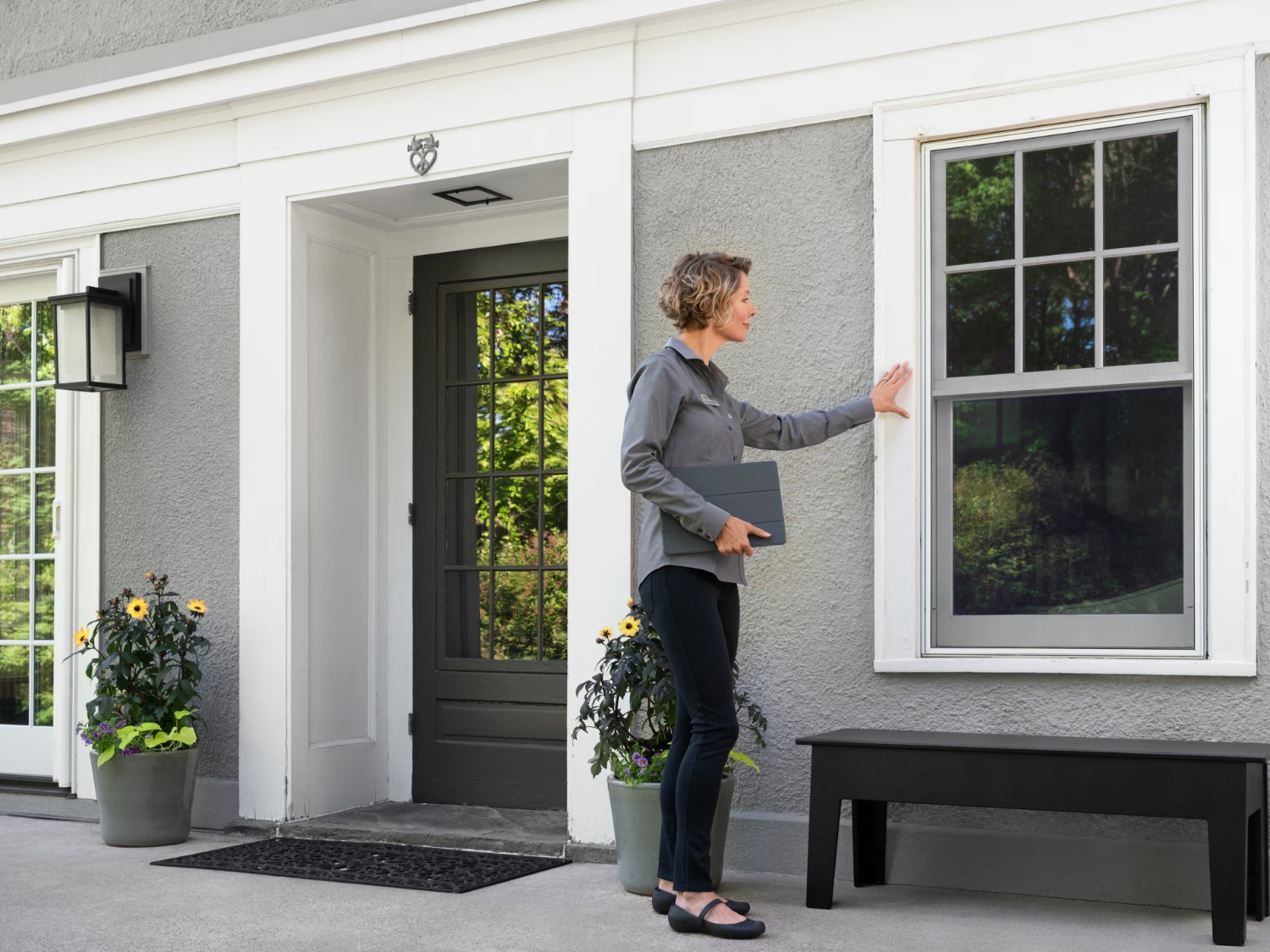
Design Consultation
Step 2
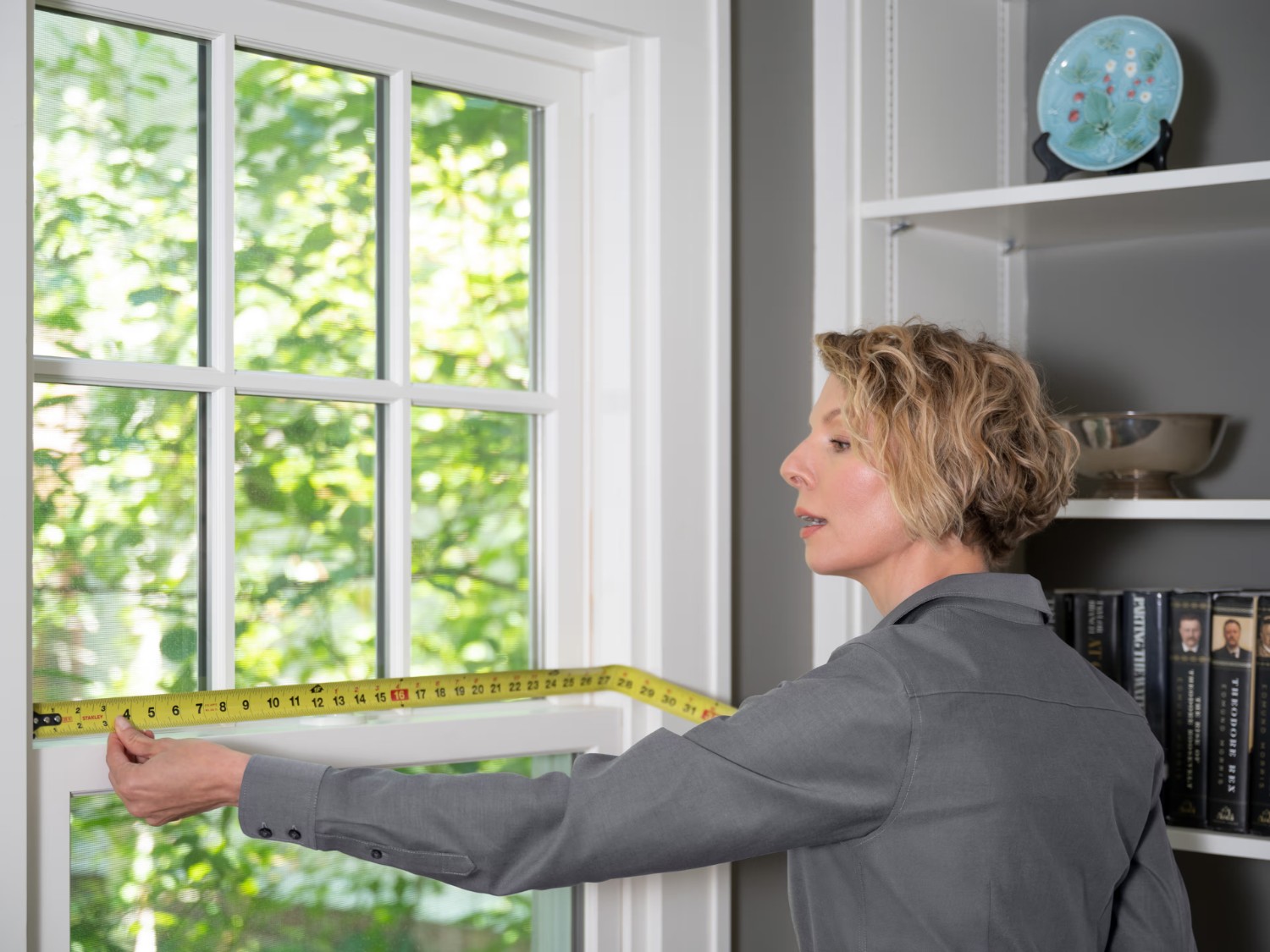
Measure and Manufacture
Step 3
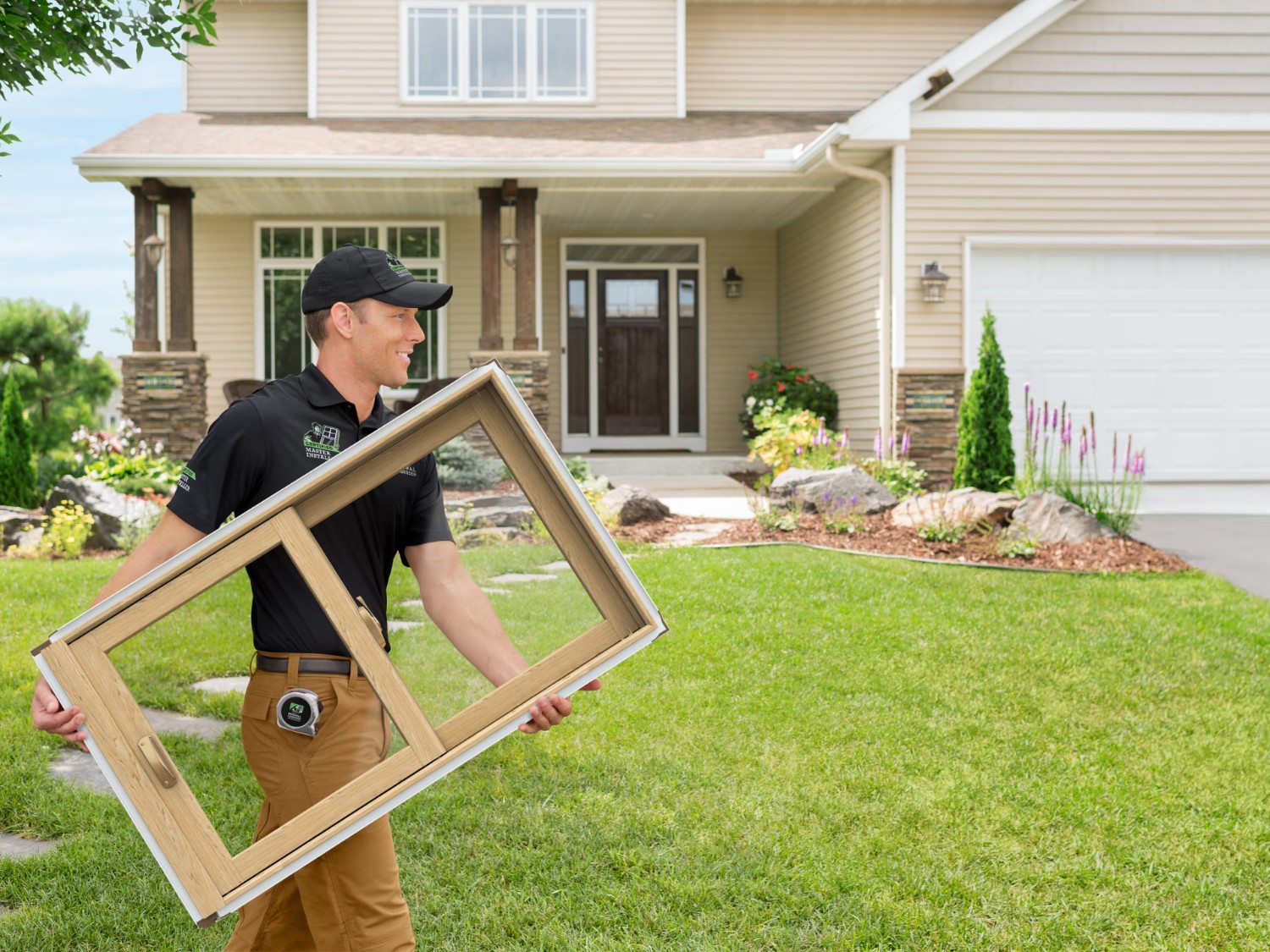
Installation
Step 4
